
My cart

MiniFinder’s proprietary systems use smart technology and real-time features to enhance safety, security, and control in everyday life.
Our Categories
Selected Products
MiniFinder’s proprietary systems use smart technology and real-time features to enhance safety, security, and control in everyday life.
Our Categories
Selected Products
Around 150,000 people in Sweden are living with dementia, according to the Swedish National Board of Health and Welfare. For many families, the fear of a loved one getting lost is one of their biggest worries. A GPS device can offer peace of mind without taking away someone's freedom to go out independently. But it can only help if the person actually wears or carries it. That's why choosing between a watch, wristband and portable alarm is just as important as the features themselves.
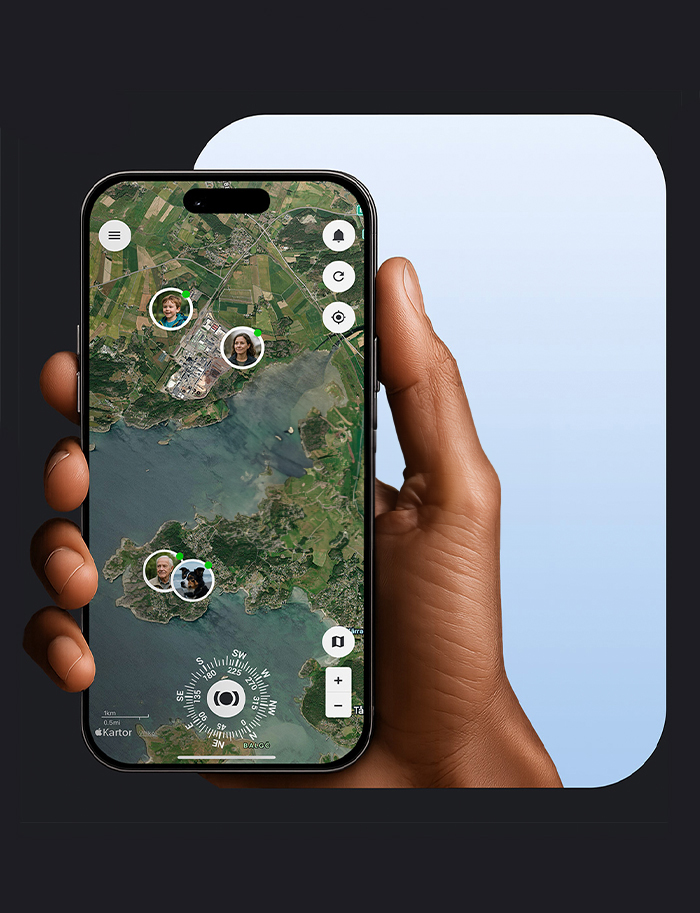
Whatever the design, certain features can make a real difference in everyday life. Real-time location updates let you see where your loved one is through an app, so you can guide them home or go and meet them. Safe zones send a notification if they leave a designated area, such as their home or usual walking route.
An SOS button sends an alert to your chosen contacts, while a built-in calling function allows the person to speak to a family member without needing a mobile phone. Automatic fall detection can also trigger an alert if they fall and are unable to press the button themselves. Find out more about our mobile personal alarm solutions.
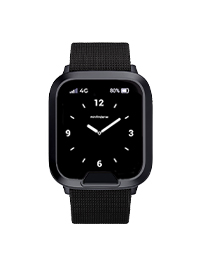
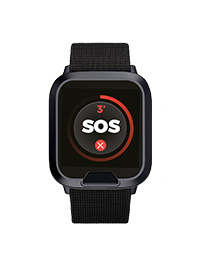
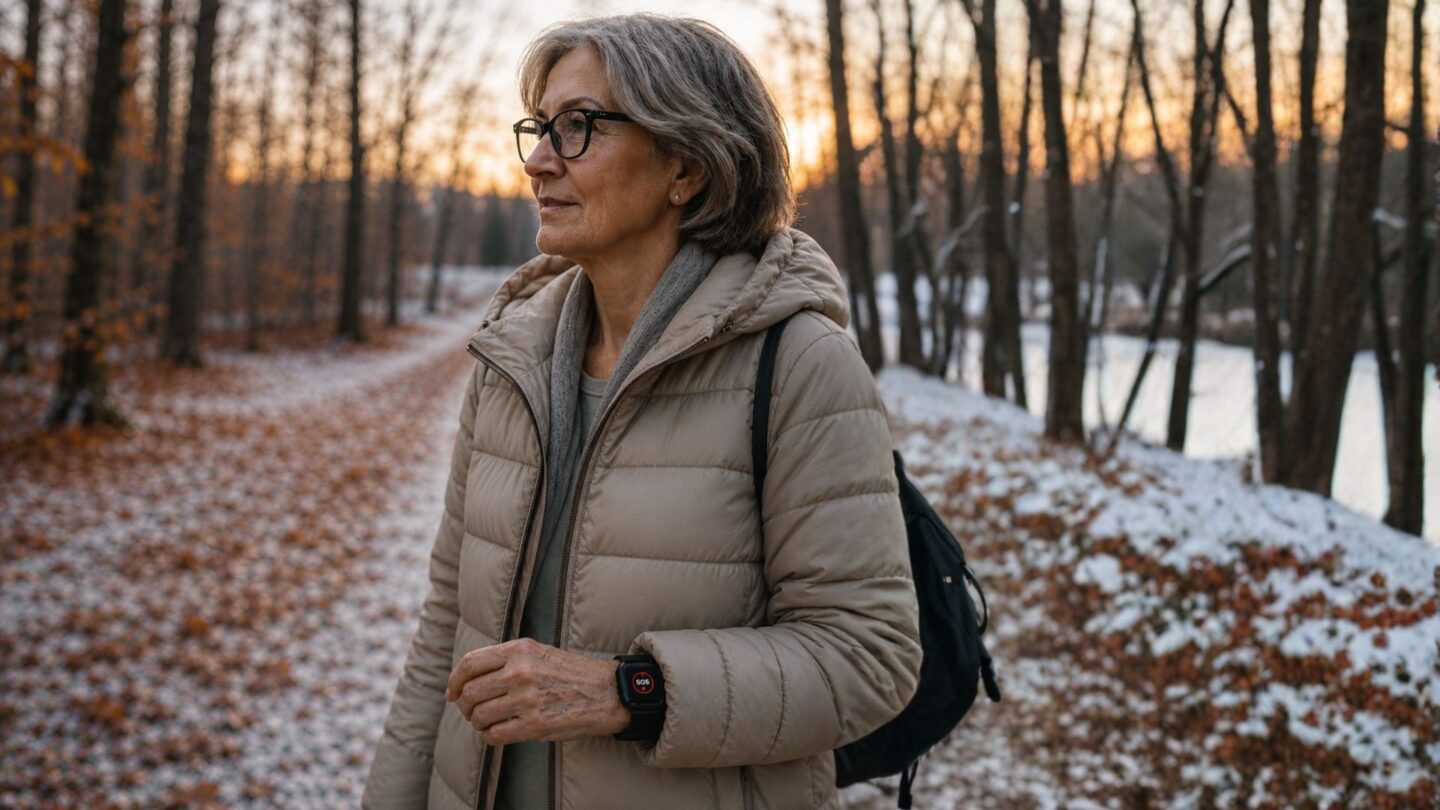
A GPS safety watch looks much like an ordinary wristwatch and stays on the person's wrist. For someone who is used to wearing a watch, it can feel like a natural choice. These devices often include an SOS button, fall detection, two-way calling and safe zones. Some also offer medication reminders and use Wi-Fi and Bluetooth to improve indoor positioning.
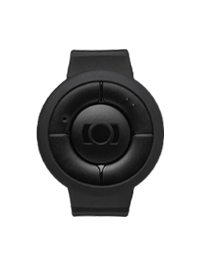
A wristband personal alarm is also worn around the wrist but is usually simpler than a safety watch. It's a good option for someone who wants the essential features, such as an SOS button, fall detection and two-way calling, in a straightforward design.
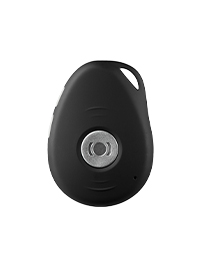
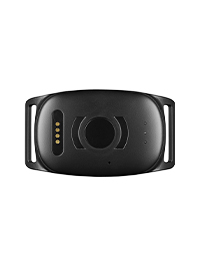
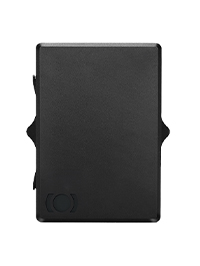
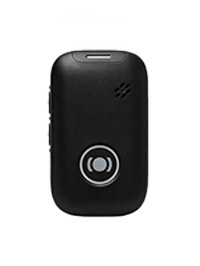
A portable personal alarm is small enough to attach to a keyring, wear around the neck, clip onto a belt or keep in a bag. It can suit someone who doesn't like wearing anything on their wrist but always takes their keys when going out. The downside is that if they forget their keys, the alarm may be left at home too.
There are also GPS insoles and devices that can be sewn into clothing. These are discreet options, but they only work when the person is wearing the particular shoes or clothes containing the device.
The best GPS device is one that the person will wear or carry every day. Start by thinking about what they already take with them. Someone who has always worn a watch may find it easier to get used to a GPS safety watch, while a person who never leaves home without their keys might benefit more from an alarm attached to their keyring.
It's also worth establishing a regular charging routine, perhaps at bedtime, and deciding who will remind them. Start with reasonably sized safe zones to avoid unnecessary notifications, and add several family members as alert recipients. Multiple people can be connected to the same device, helping ensure someone is available to respond.
Family members use the app, while the person with dementia only needs to wear or carry the alarm. Many families find it easier to introduce a device early on, while their loved one can still take part in choosing what works best for them.
A GPS device should never become a way of controlling someone. According to the Swedish Dementia Centre, the use of coercive or restrictive measures in the care of people with dementia has no legal basis in Sweden. Family members cannot give consent on someone's behalf against that person's wishes.
It's therefore important to talk to your loved one about why you want to use a GPS device and who should be able to see their location. Agree that its purpose is to help find and support them when needed, not to monitor their every move.


Visit our contact page.


