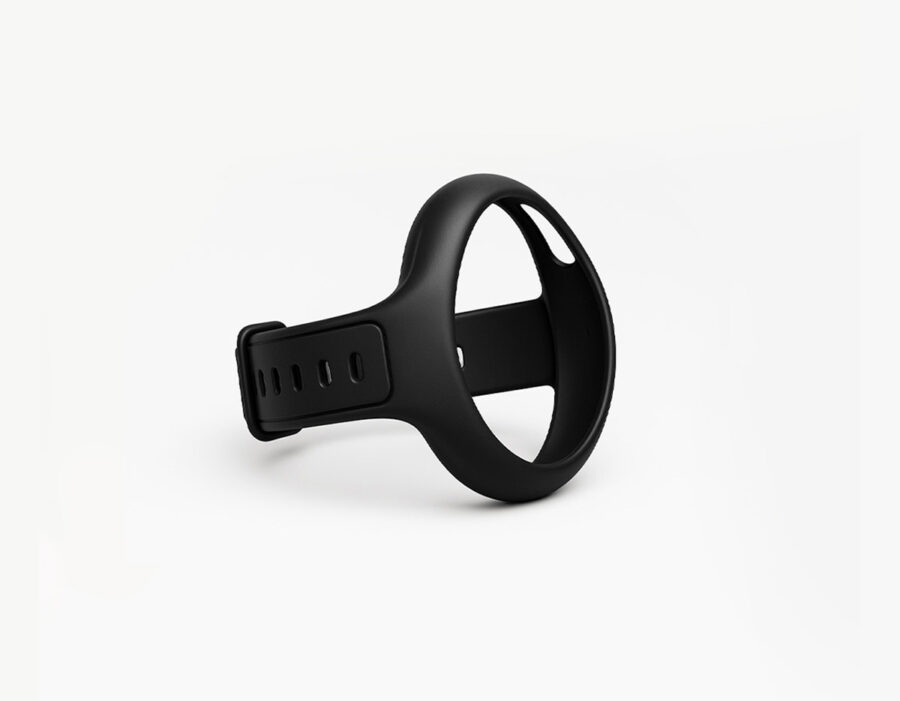
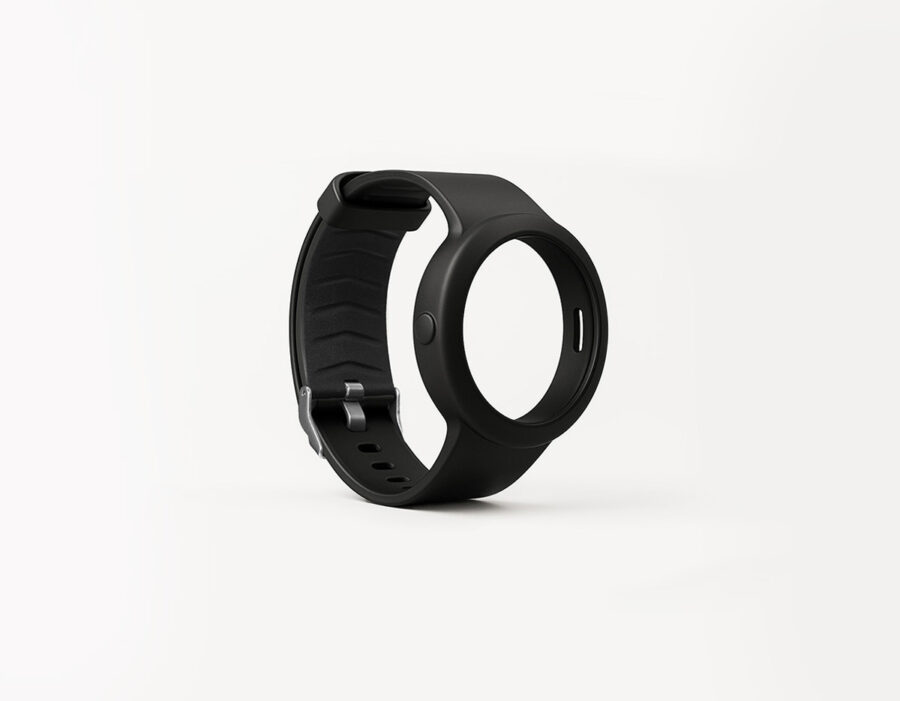
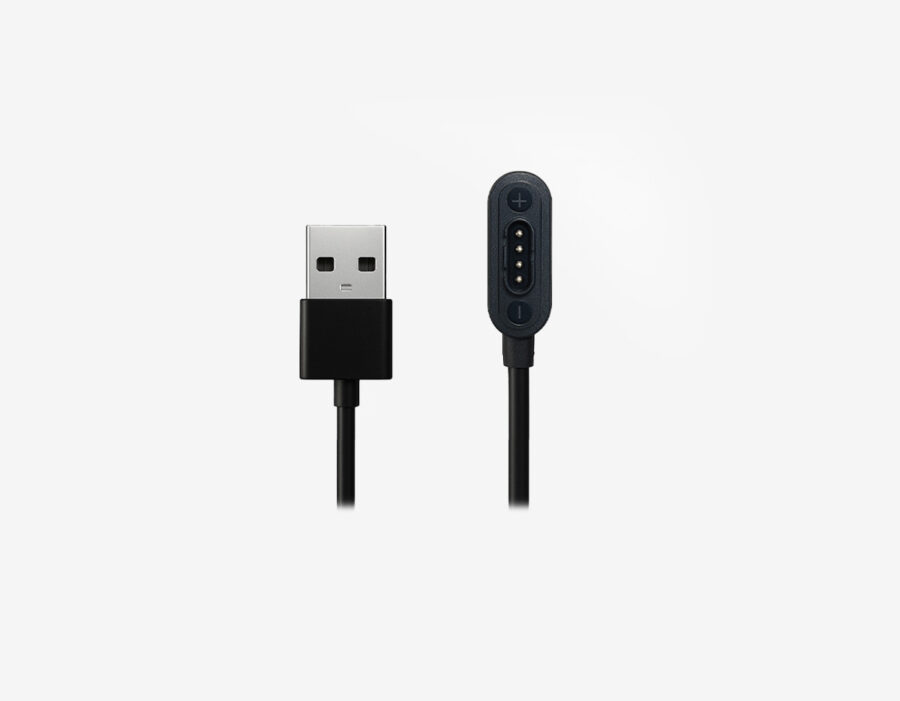
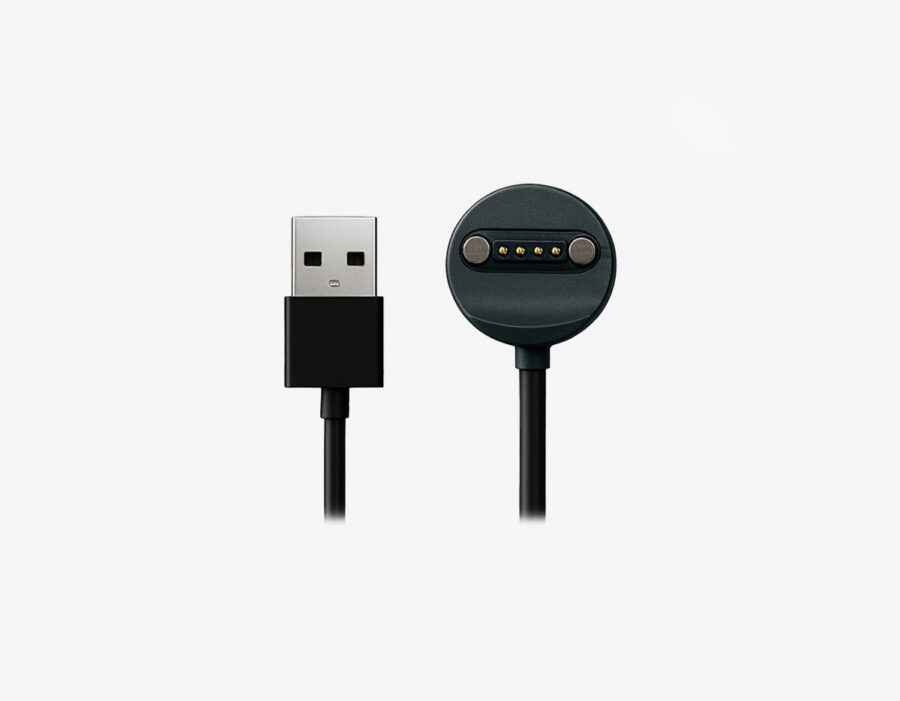
A children’s GPS watch: reassurance as they become more independent
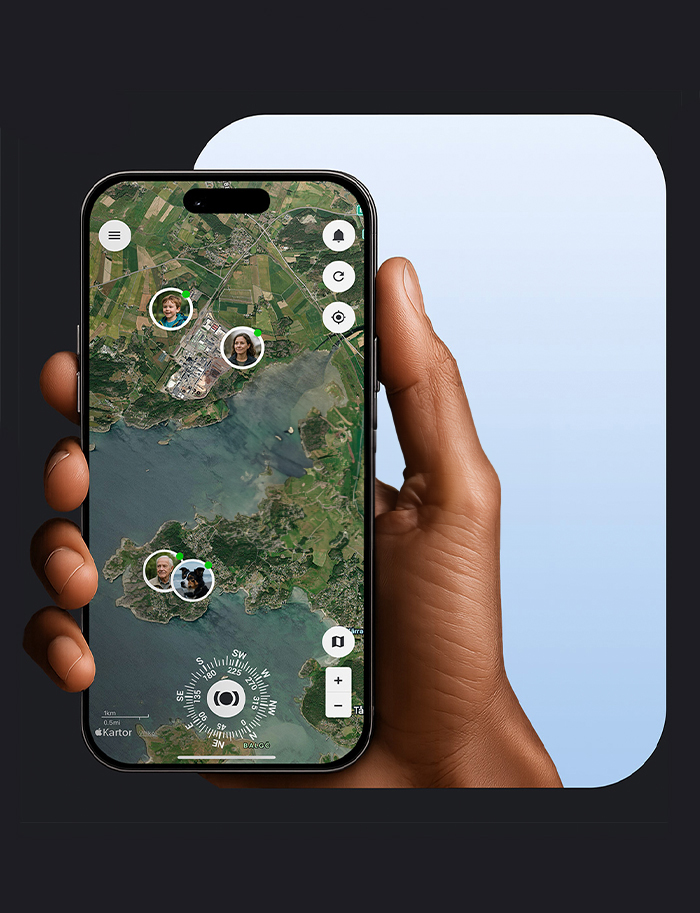
The first time your child walks to school alone, the journey can feel longer for you than it does for them. You’ve practised together, but you still want to know they’ve arrived safely. With geofences and smart alerts in MiniFinder Live, you can receive an automatic notification when they reach school or get home again. You can also be notified if they enter an area you’ve agreed they should avoid. This offers reassurance throughout the day without having to keep checking the map.
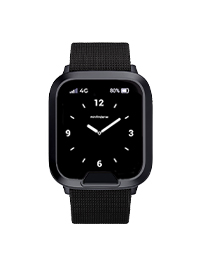
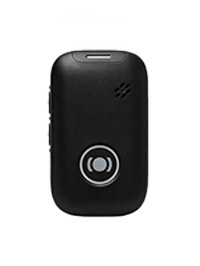
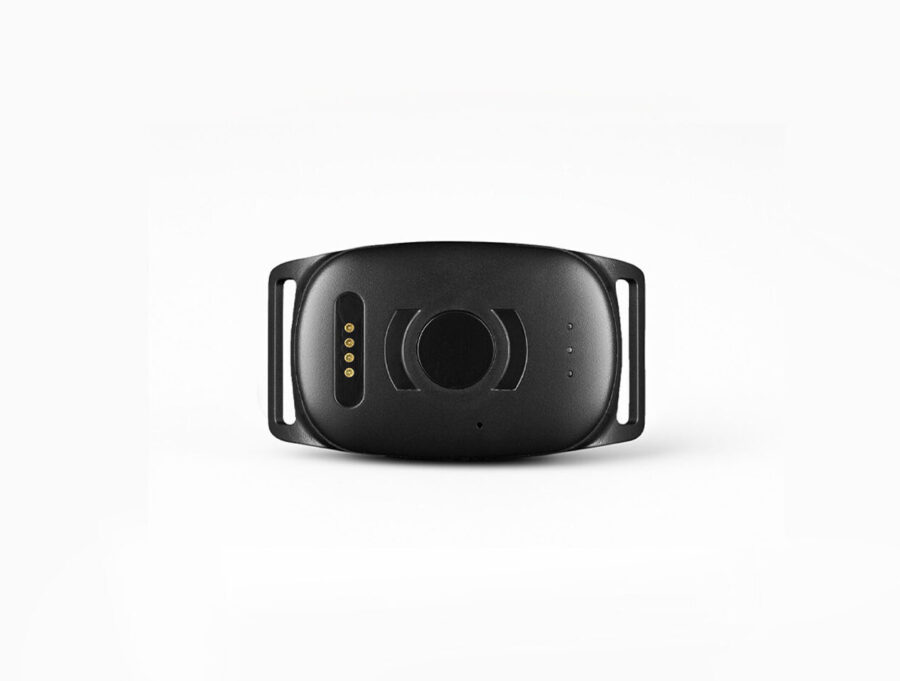
When a friend asks them to come round after school, checking with you is straightforward. With MiniFinder Kids Watch, your child can call you directly from the watch to ask, and you can ring when it’s time to come home. If they’re unsure of the way or want you to collect them, you can talk while checking the watch’s location in the app and help them find their way. Your child gets to practise doing more on their own, while you can still reach each other when needed.
A children’s GPS watch with an SOS button: help when they need you
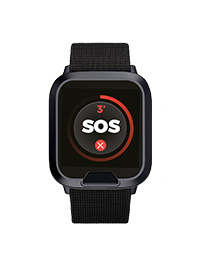
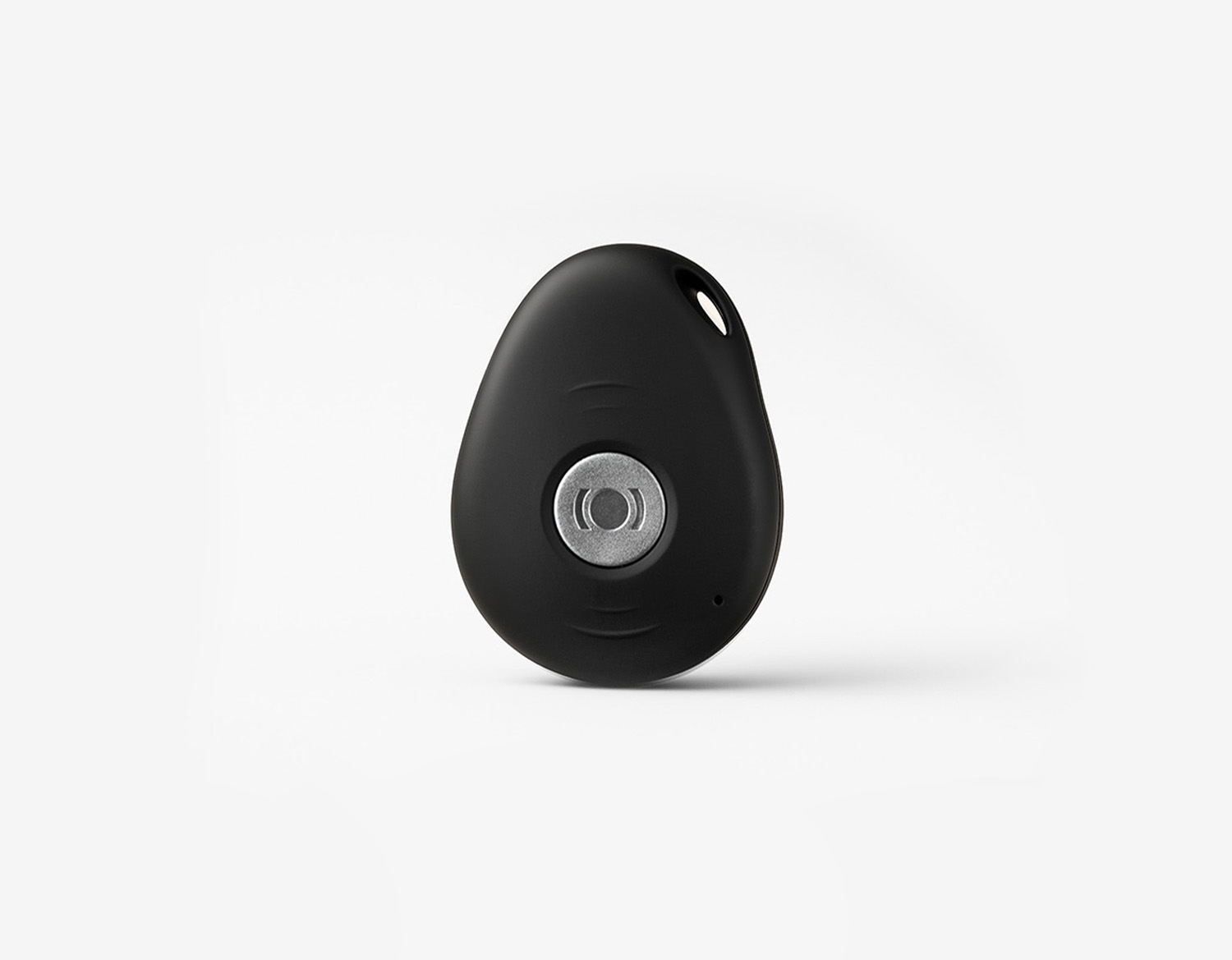
If your child loses sight of a friend at the playground or takes a wrong turn on the way home, they may struggle to explain where they are, especially if they’re upset. They can use the SOS button on MiniFinder Kids Watch to alert the adults you’ve chosen as contacts. The alert includes the watch’s location, so you can see where your child is without them needing to know an address or describe their surroundings. That makes it easier to help them find their way or go and meet them.
Practising the watch’s functions together at home gives your child time to learn in a calm, familiar setting. Try calling each other, then go through how to use the SOS button and what happens when they raise an alert. Show them what the alert looks like on your phone in MiniFinder Live and how the watch appears on the map. Explain when and why you use this information, so they understand what you can see and how it helps you support them. Talk about what they should do while waiting for help or if you don’t answer straight away. Having practised together can make raising an alert feel less daunting when they really need help.
How to find a lost children’s GPS watch with Bluetooth
A GPS watch can quickly become part of your child’s daily routine, but like any belonging, it can sometimes be misplaced. MiniFinder Live can help you narrow down the search. Start by checking the last reported location and when it was updated to get an idea of where to look.
If the watch is nearby, you can use Bluetooth search in MiniFinder Live to help find it. Turn on Bluetooth on your phone and open the search function in the app. As you move around, an indicator shows whether you’re getting closer to or further away from the watch. This helps you work out whether to look by the sofa, in a school bag or among coats and jackets. The watch must be switched on and have battery power for the search to work. Walls and other obstacles can affect the signal, so move slowly and watch how the indicator changes.